How to Choose a Trustworthy TikTok Video Downloader: 5 Things to Check
There's a lot of overlap in this space, but the tools themselves vary widely in how safe and pleasant they are to use. Rather than trial-and-error, it helps to keep a short checklist in mind — one that applies no matter which tool you're evaluating.
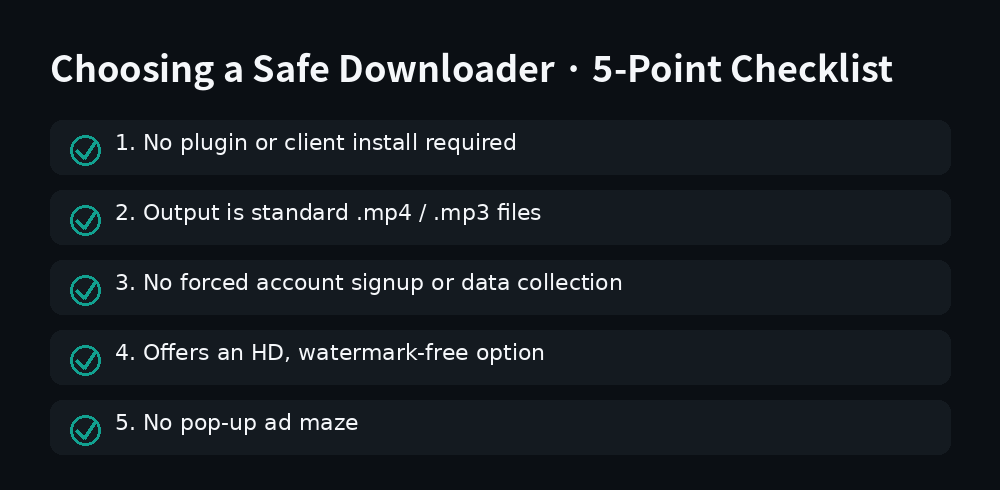
1. Does it require installing anything extra?
A trustworthy web tool should be done the moment you paste a link and hit download — no browser extension, no desktop client, no special "player" needed to open the file afterward. If a site insists you install something first, that's a pattern common to less safe software and worth treating as a red flag.
2. Is the downloaded file the right format?
If you're downloading a video, you should get a standard .mp4; for audio, a .mp3. If what you get instead is a .exe or .apk when all you wanted was a short clip, that's an unmistakable warning sign — don't open it.
3. Does it require an account or personal information?
A basic downloader shouldn't need any identifying information to complete something as simple as "paste a link, save a video." Be cautious of anything that forces sign-up or a phone/email verification step, and consider whether that data collection is actually necessary for the task.
4. What quality options does it offer?
A good tool should offer a "HD, watermark-free" option close to the original video quality, not a heavily compressed, blurry version. Some tools offer multiple quality tiers (HD vs. standard), which is handy depending on whether you're just watching it or planning to re-edit it.
5. How aggressive is the advertising?
An occasional banner ad is a normal, reasonable way for a free tool to stay running — that alone isn't a problem. But if one click spawns multiple new tabs, fake "system warning" pop-ups, or a maze of deceptively placed "Download" buttons, it's best to just leave, regardless of how good the actual download feature might be.
Checking ReelGrab against these five
- No plugin or client required — paste a link and go
- Downloads come as standard
.mp4/.mp3files - No account required, no personal information collected
- Offers a "HD, watermark-free" option close to original quality
- No pop-up maze — everything happens on one simple homepage
FAQ
Does more quality options automatically mean a better tool? Not necessarily — more options are convenient, but the safety checks (1 through 3) matter more. Quality options are more of a nice-to-have on top of that foundation.
Are free tools inherently less trustworthy than paid ones? No — plenty of free tools stay funded through reasonable advertising and are just as safe. Paying for a tool doesn't automatically make it safer either; what matters is whether it holds up against the checklist above.
Run through these five checks and you'll avoid most of the sketchy downloaders out there. Head back to the homepage and give it a try.
Ready to save a TikTok video?
Open ReelGrab